








tst
retail-pre.momentum.co.za
Portfolio My financial adviser Tax certificates View profile Get help Marketing consent Website terms of service Change your password

Never settle for the status quo

#AdviceForSuccess

#MomentumFutures

#SheOwnsHerSuccess

#ScienceOfSuccess

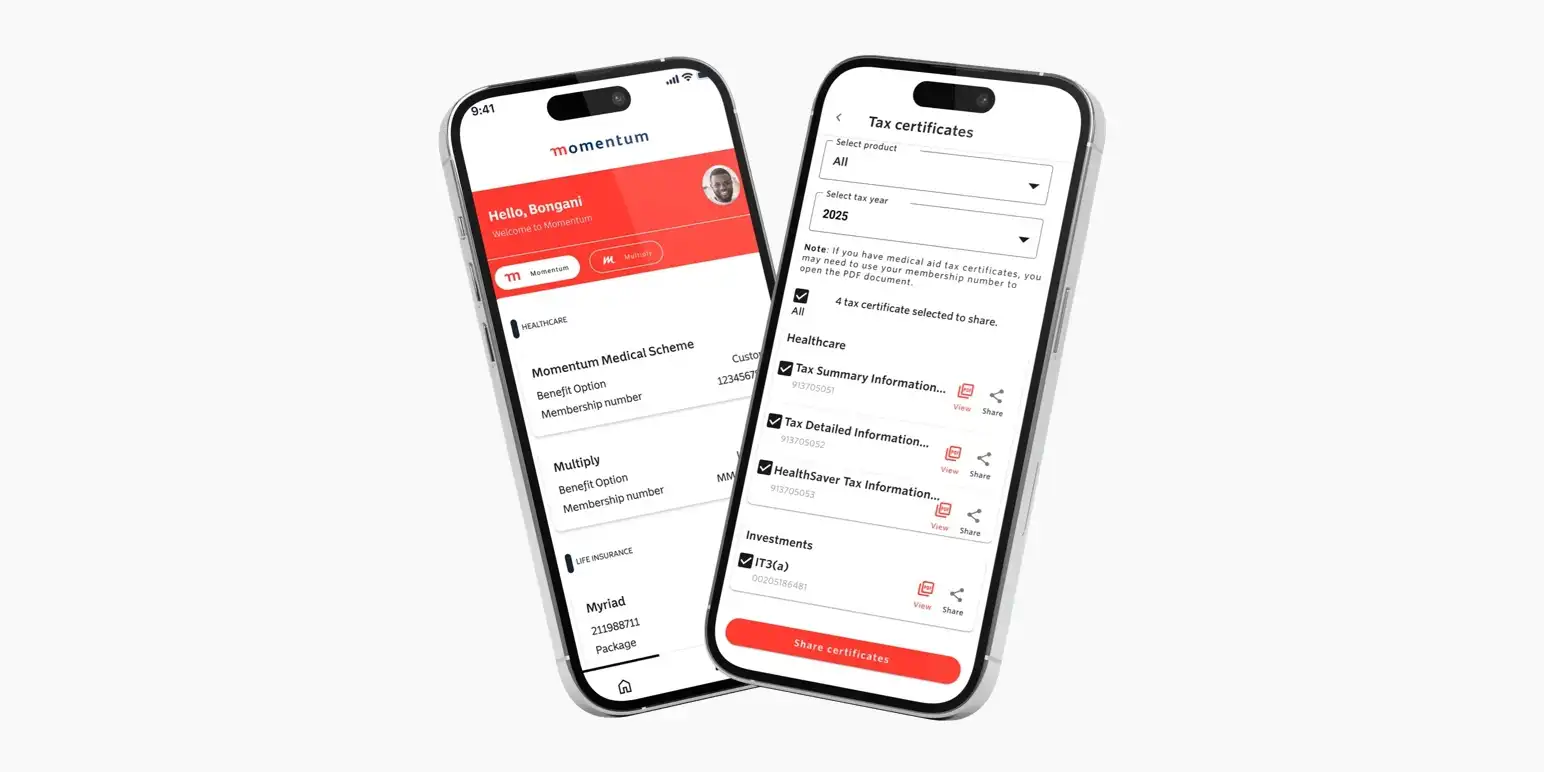
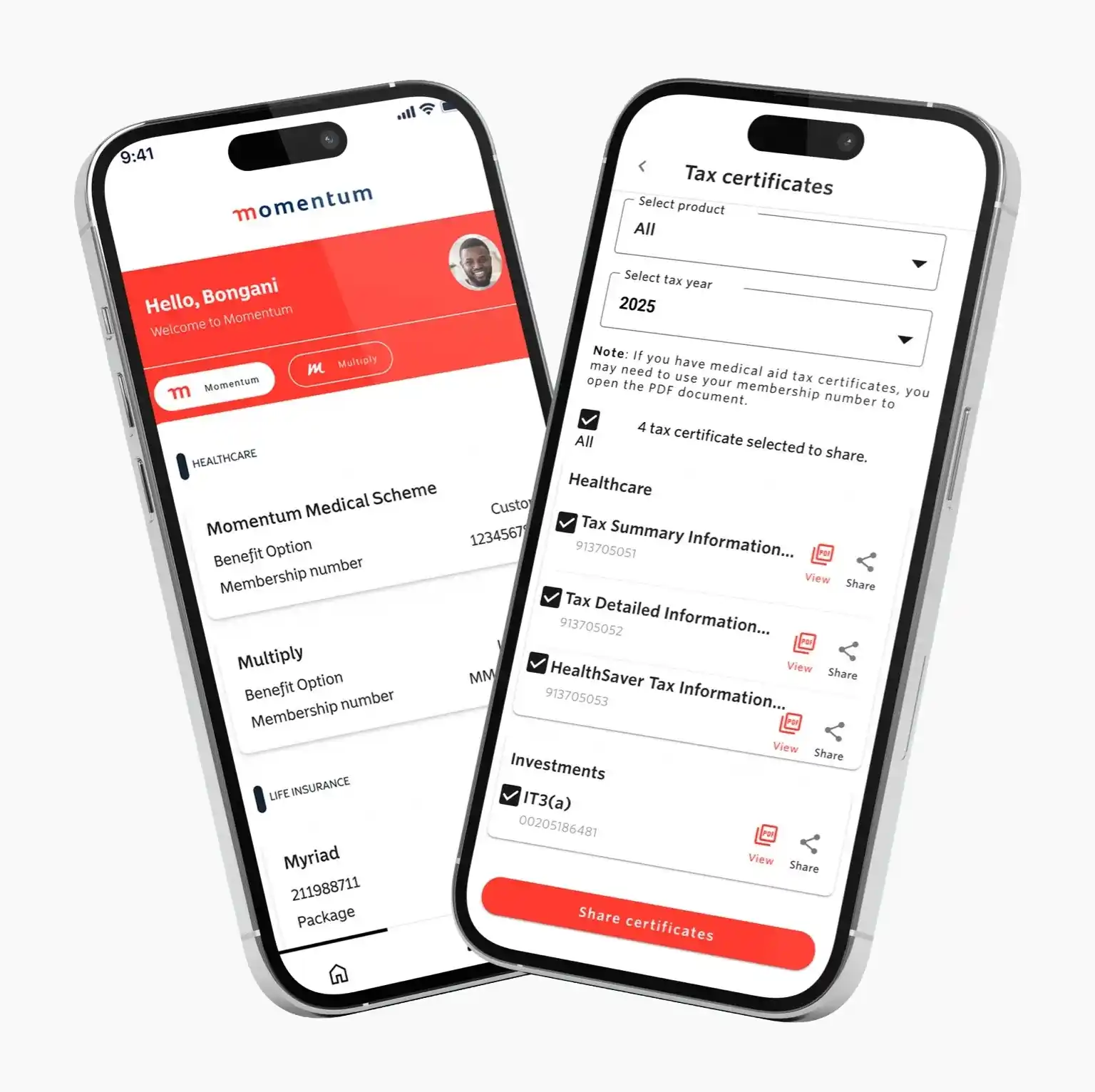
Two smartphones displaying the Momentum mobile interface for user profile details and tax certificates. Download the Momentum App. Two smartphones displaying the Momentum mobile interface for user profile details and tax certificates. Download the Momentum App.

Meet the new Momentum App

Enjoy more control with a simpler and secure App experience — now with new rewards!

Benefit from an extra layer of security with multi-factor authentication..
Update your car and home insurance cover instantly.
Unlock new benefits and rewards with LifeReturns®, Insure, HealthSaver+ and Multiply.
Manage your journey to success with improved self-service tools.

Take control with smarter self-service tools

Our enhanced self-service tools are simpler to use and easier to find. Stay on top of your health, safety, and investments with these key features designed to put you in control anytime, anywhere.

What’s new? Explore our latest App features and rewards!

Get the most out of your App experience with these new features and benefits.

A smartphone showing the Momentum app dashboard with options to download tax certificates and policy documents.

Enjoy secure access with 2-step authentication

Update your short-term insurance cover instantly

Save for retirement, education and healthcare with HealthSaver+

Boost your mental wellness with Multiply

Save on your premiums with LifeReturns®

Get Tyger Wheel & Tyre discounts with Insure

Why Download the Momentum App?

Experience a smarter way to manage your Momentum products. Put convenience at your fingertips and turn daily actions into real rewards.
A minimalist red line-art icon of a smartphone displaying text lines on its screen to represent the Momentum App, housing all Momentum products.

One App for all your Momentum products

Stay in control and keep track of all your Momentum products in one App.
A red line-art icon showing a password field with asterisks next to an open padlock, symbolising simpler more secure access for user login.

Simpler, safer, and more secure access

Log in safely with your fingerprint and multi-factor authentication.

Red line-art icon of a large gift box with a lowercase 'm' logo alongside a smaller matching gift box, representing market-leading rewards.

Market-leading rewards that help you save

Turn your everyday activities into more rewards and savings with HealthReturns+, SafetyReturns, Multiply, and LifeReturns®.

Download the App today

Ranked among South Africa’s best insurance apps with a 4.5/5 rating on Google Play.

Apple App store icon. Google play store icon. Huawei AppGallery icon.

Momentum App frequently asked questions

Log in using your existing Momentum online profile credentials (email/username and password). If you don't have a profile, register directly on the App or website to create your login details.

  1. Select “Register”.
  2. On the next page select “SA citizen” if you are a South African citizen, or “Non-SA citizen” if you are not a South African citizen.
  3. Complete the required fields.
  4. You will receive an OTP via text or email.
  5. Insert the OTP.
  6. Insert the password.
  7. You will be provided with a username. Please use the password you created to log in.

To register, you will be asked for your name, surname, ID number, cellphone number and email address. If you do not have an email address, you can create a Gmail address.

On the login page, select “Forgot your login details?” and follow the prompts.

Your two-pot balance is currently not available to view in the App. However, you can access your two-pot balance through our other online self-service channels. For detailed guidance on how to view your balances and withdraw from your two-savings, visit the two-pot client support page.

Contact Momentum App support

If you have any ideas on how to improve your App experience, email your suggestions to Momentum App support.

We and our selected partners use cookies to enhance and personalise your experience on our website. Please see our cookie policy for more information.

To enhance your user experience on our site, learn more about our supported browsers

Your browser's cookies are disabled. Enable cookies to ensure our website functions correctly. View our Privacy Notice.